Titles, text and voiceover
Titles, on-screen text, sound effects, and a voiceover you record, upload or type.
 AutoCut
Record it.
AutoCut it.
Post it.
The editor for UGC creators. AutoCut removes the ums, pauses and retakes, then adds captions, zooms and clean audio, automatically.
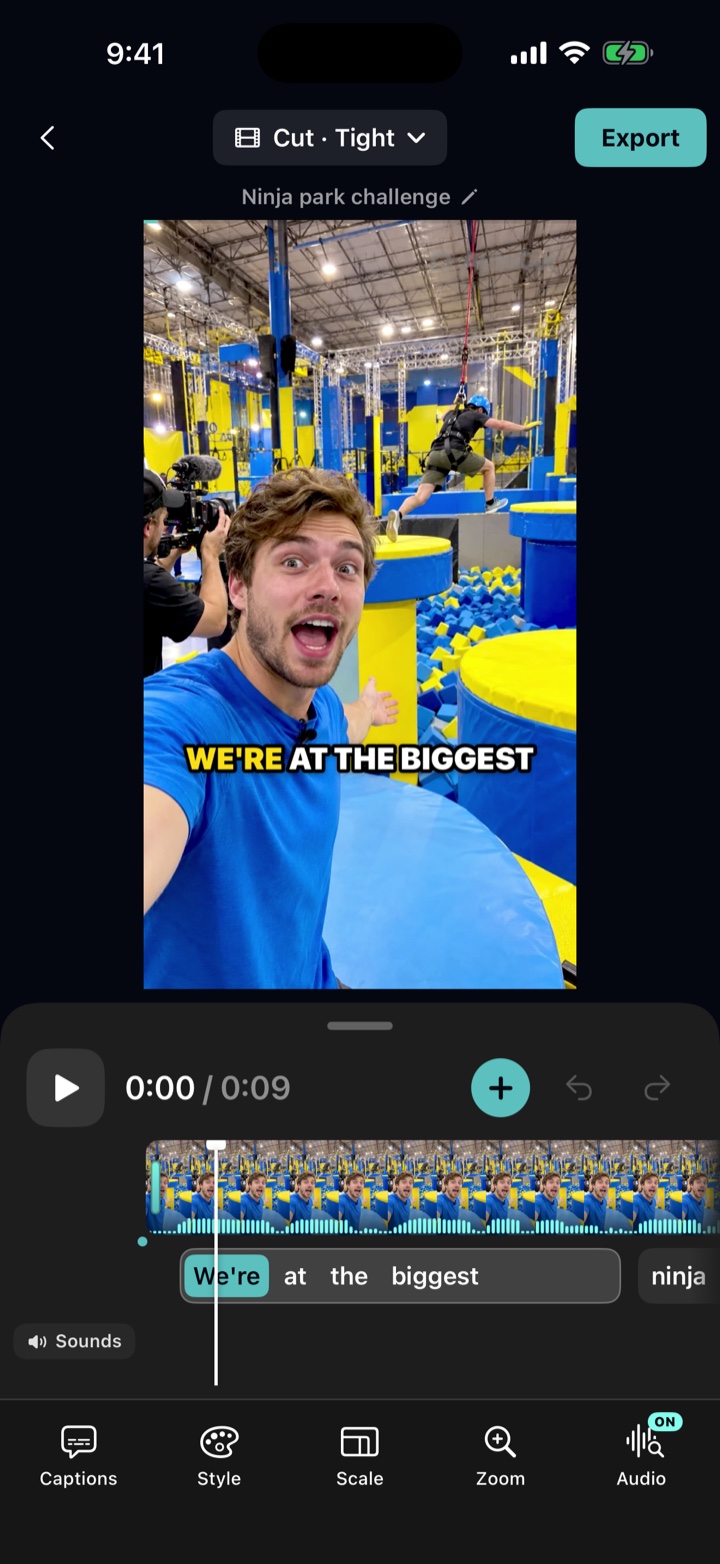
Your raw take
Um, so here's my uh, here's my best tip [2.4s pause] for growing on TikTok.
0:14 → 0:14
After AutoCut
Here's my best tip for growing on TikTok.
Captions, zoom and clean audio added.
Shoot with the built-in teleprompter or pick a take from Photos.
Pauses, ums and retakes are cut. Captions, zooms and clean audio are added. Pick a theme for the finishing touches.
Check every cut, tweak the style, export up to 4K. HDR recordings stay HDR.
Everything between "I filmed it" and "I posted it", handled on your iPhone. AI editing works in English, Spanish, Portuguese and French.
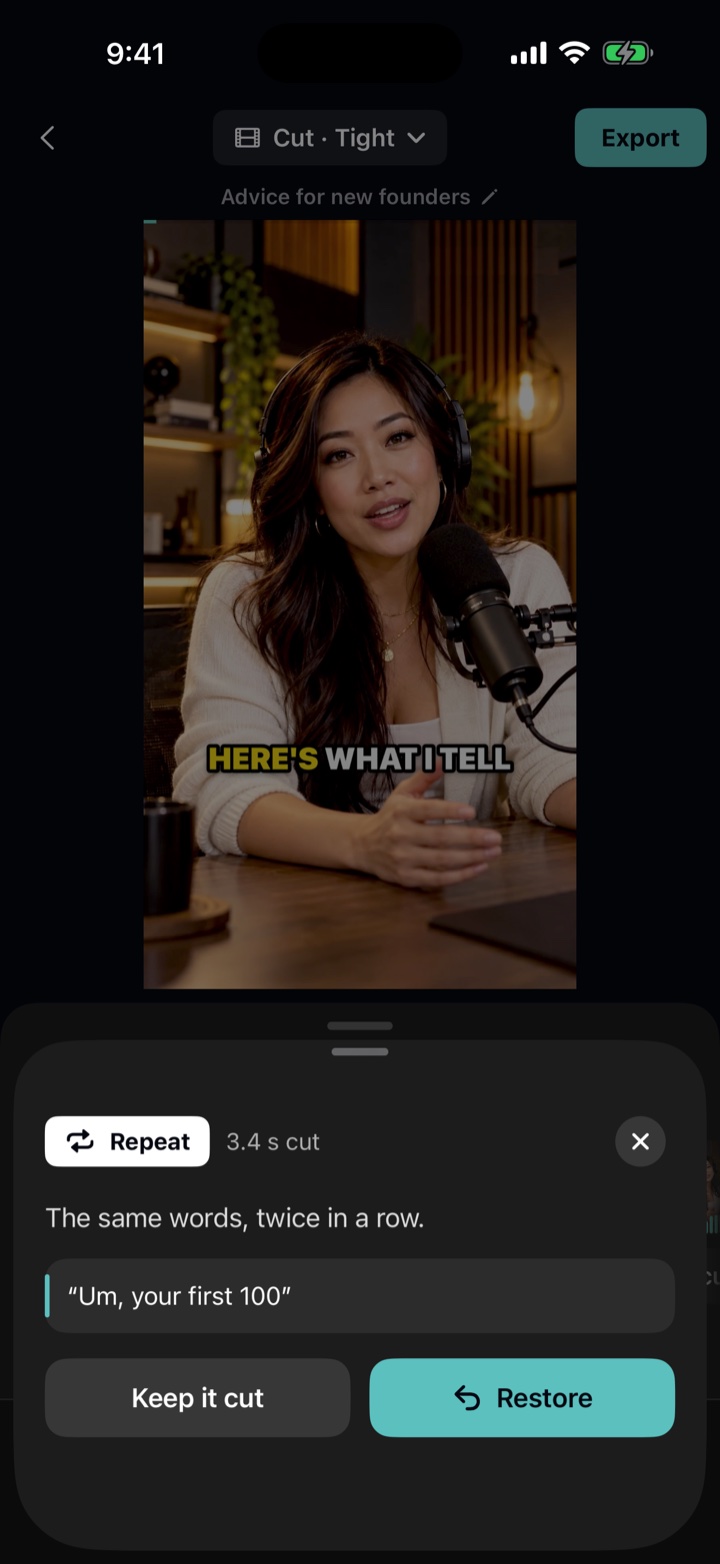
Filler words, long pauses, false starts and repeated lines are removed, and your best take is kept. Cuts land between words. Choose Natural, Tight or Extra Tight, and tap any cut to see what was removed and bring it back.
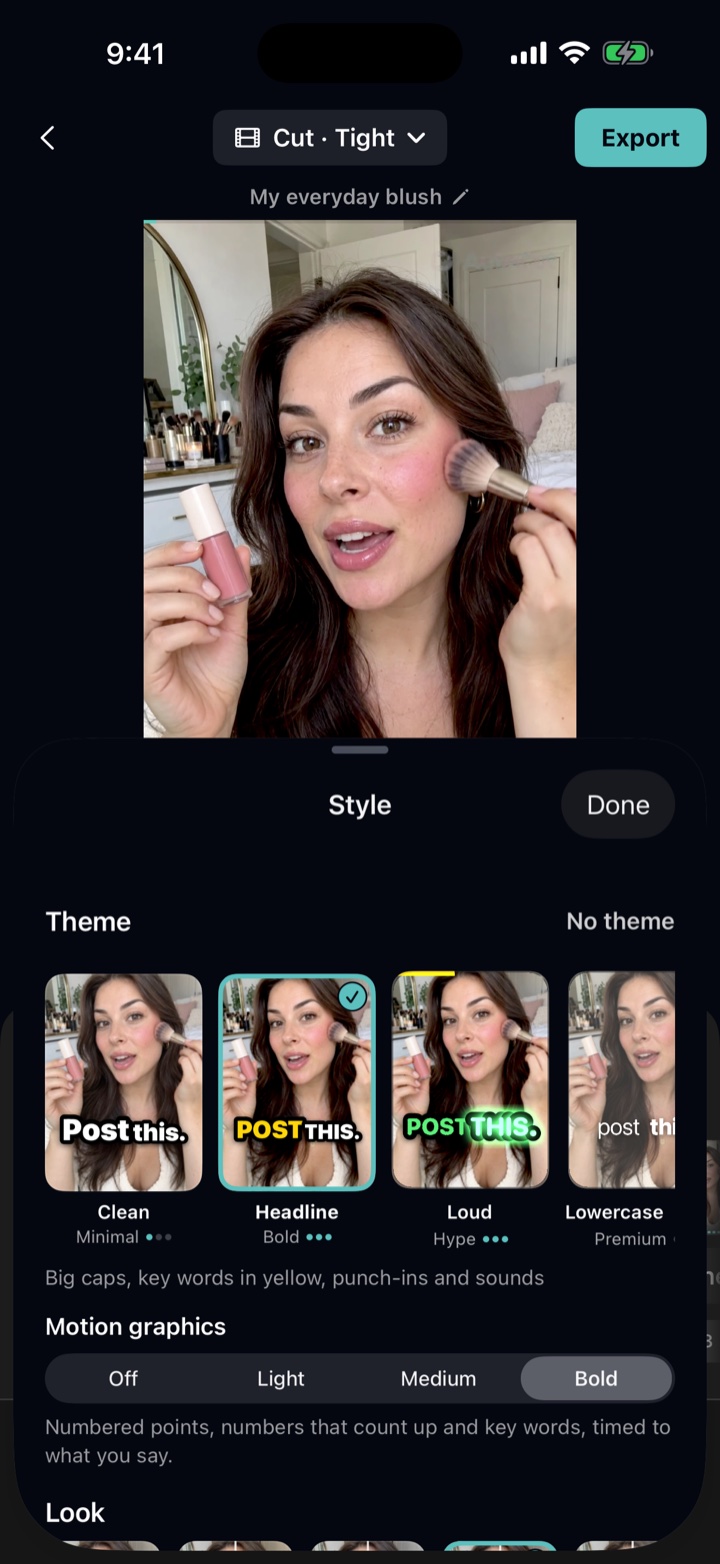
Themes set captions, zooms, motion graphics and sound effects together. Word-by-word captions in 20+ styles; emphasize words, add emoji and fix any word.
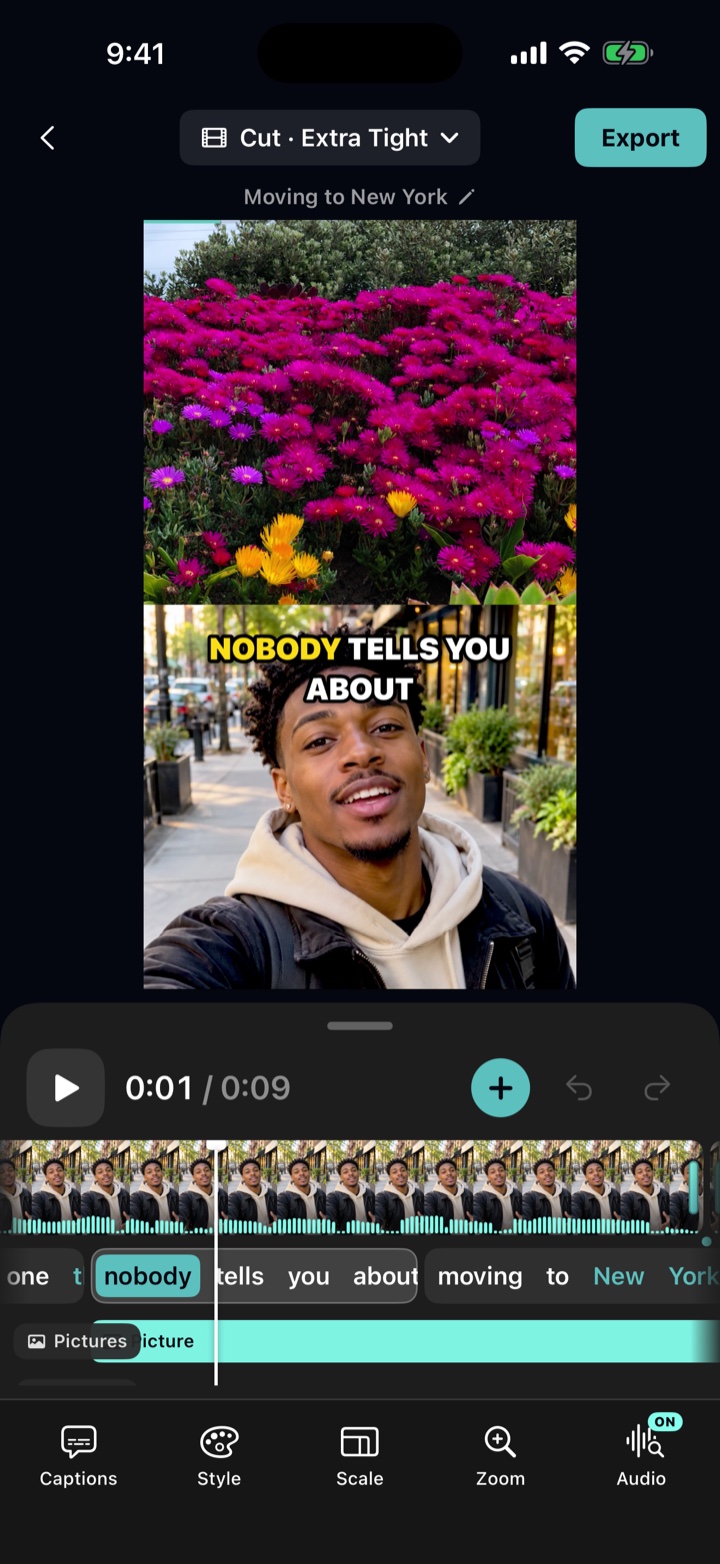
Add a photo, screenshot or video clip beside you, in split screen, a bubble or full screen, timed to your words.
Titles, on-screen text, sound effects, and a voiceover you record, upload or type.
Steadier levels, plus Studio voice to lower background noise and room sound, on your iPhone.
Copy the transcript, save a caption file, translate captions into 10 languages.
YouTube chapters and short clips from longer videos.
Join takes into one video or edit each separately.
Natural, Tight or Extra Tight any time, without uploading again. Swear words bleeped, muted or removed.
Your original video stays on your iPhone. Released AI editing uses audio and your teleprompter script, if used. Caption tools send only text.
Try AutoCut Pro free for 7 days.
AutoCut Pro
7-day free trialFor creators posting every week.
/week
billed yearly
The Pro trial includes 15 minutes of source video for AI editing in total. Cancel anytime.
Prices in USD; may vary by region. Subscriptions renew automatically until canceled. Cancel anytime in Settings at least 24 hours before renewal.
Not in the released app. AI editing sends audio and your teleprompter script, if used, after you agree, and deletes them when the edit is ready. Caption translation, short clips and YouTube chapters send only caption text, which isn't stored. Selected internal TestFlight testers (version 1.2 build 25 and later) can separately turn on optional video analysis, which is off by default and sends a smaller video copy; originals always stay on your iPhone. See the Privacy Policy for details. AI editing is optional.
Yes, sign in with Apple. It turns on AI editing, which finds the best cut.
AI editing works in English, Spanish, Portuguese and French. Captions can be translated into 10 languages.
Up to 15 minutes. AutoCut needs iOS 18 or later.
Eligible new subscribers get a 7-day Pro trial, with AI editing limited to 15 minutes of source video in total. It converts to a paid subscription unless you cancel at least 24 hours before it ends.
Open Settings on your iPhone, tap your name, then Subscriptions, and choose AutoCut.
Yes. Tap any cut on the timeline to see what was removed, then tap Restore.